How to Edit an Existing Campaign
Last updated: June 15, 2026
From your Dashboard, open the campaign you want to edit.
Click Edit Campaign.
Go to the Country & Value or Interval tab.
Click the pencil icon to update the country or value.
To edit the design, greeting, or send time (for templated campaigns), click Edit Country.
When you’re done, save your changes.
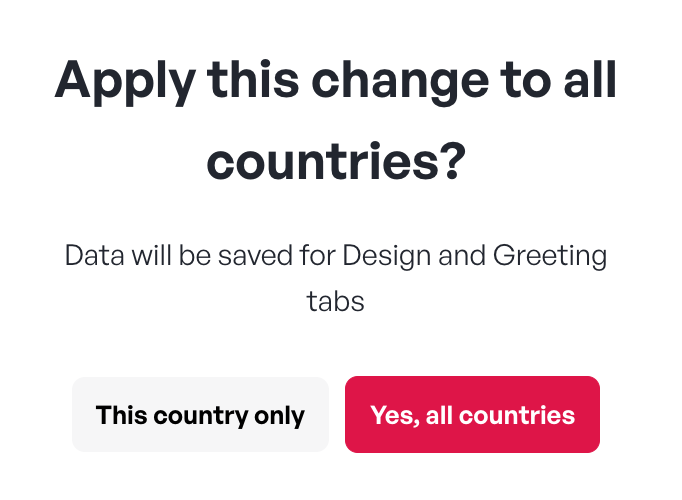
Choose whether to apply the updates to all countries or to all countries in the same interval (for Work Anniversary campaigns)