How to Send Universal Links
Last updated: June 23, 2026
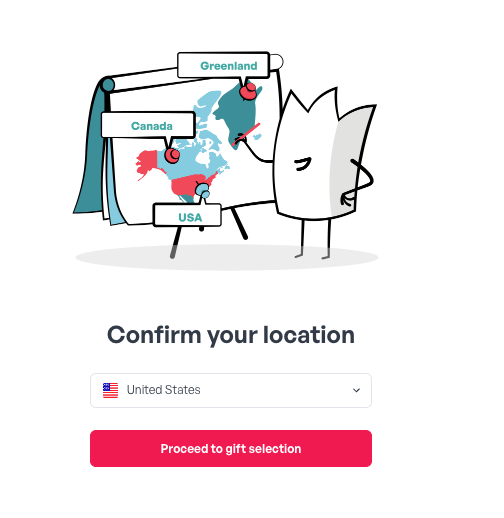
Not sure where your recipients are located? A Universal Link sends one international gift link that asks recipients where they are, then shows them brands available in their region.
How it works
You can gift recipients in any country. The catalog automatically updates to the gifts available in their region based on their IP address.
Pricing
Sending to a country with localized content adds a 5% charge to cover currency conversion.
If the recipient selects the United States (or any country tied to our international USD brands), that 5% is refunded automatically once they confirm their gift choice.
Sending a Universal Link
Go to Send a Gift → Reward Link.
Click the plus button, "To Send a Gift - Start Here."
Select Universal Gift.
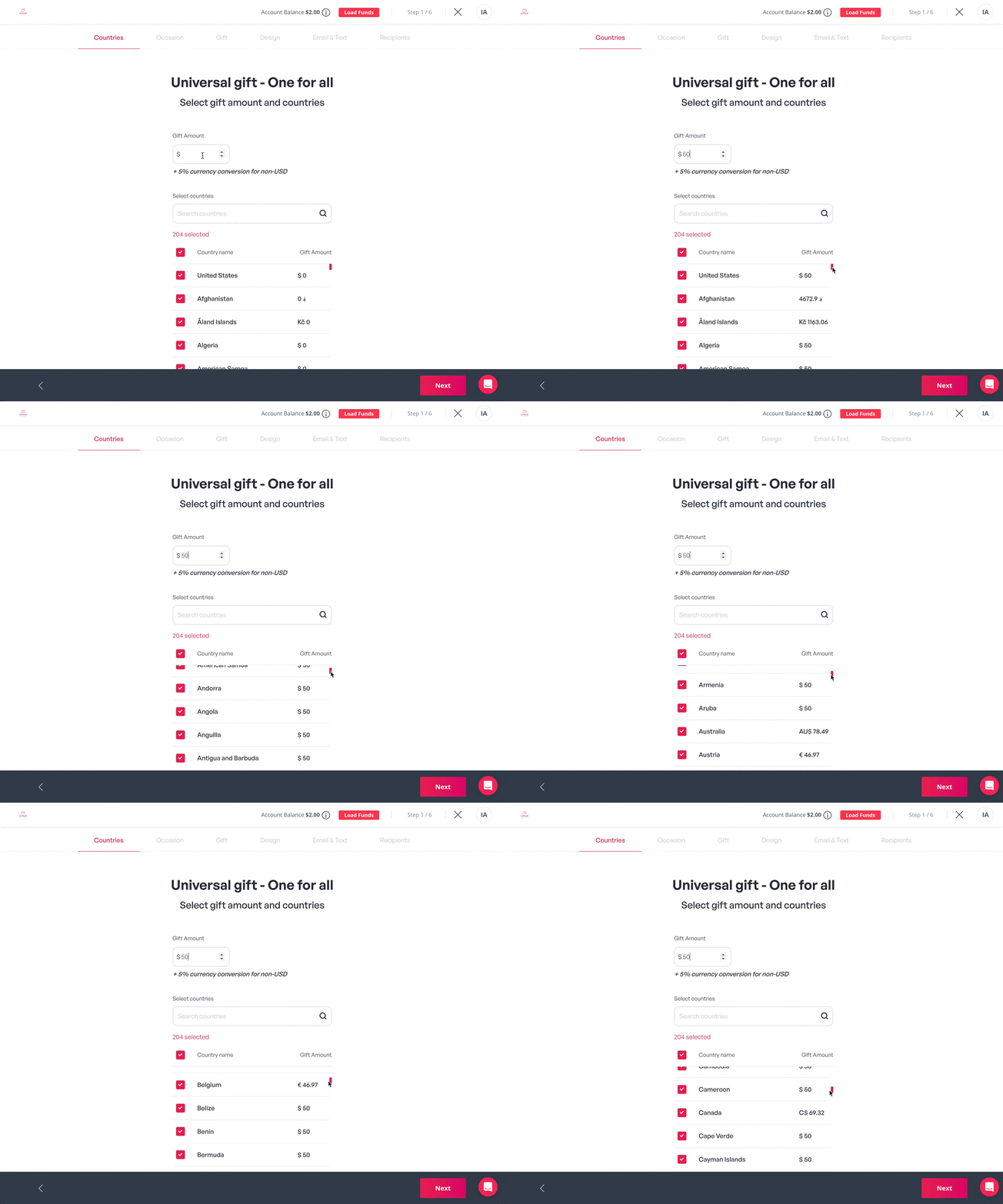
Set the gift amount in USD.
Select the countries to include. The link will contain every country you choose.
Click Organize Gifts to edit what appears in the gift link. You can add, delete, and reorder brands. Click Next when done.
Choose a design to personalize the gift. Pick a template, upload your own, or select an image from Giphy or Unsplash. Click Next.
Enter the company/sender name, add an email subject line, and write a custom greeting for the email, text, or both. You can also choose between layouts. Click Next.
Now either Save Template or send your gift. To send, add recipients individually with Add Recipients, Add from Excel, or Add from People Tab if you're synced to an HRIS.
Click Summary to review all gift details, then choose Send Now or Send Later.
This article is specifically relevant for gifting admins.