Interval Campaigns - What Are They?
Last updated: September 30, 2026
An "Interval Campaign" is an automatic campaign that allows you to send a different gift for each anniversary.
For example, you can send ascending gift amounts for every work anniversary with different designs and greetings. You can also schedule your gift by the day to automatically send out a welcome package after each new hire's first week.
How can I use an Interval Campaign?
Interval work anniversaries
Work from home gifts for new employees
A cup of coffee after a few days of training
Loyalty bonuses
You can set any interval according to this table:
Interval | Meaning |
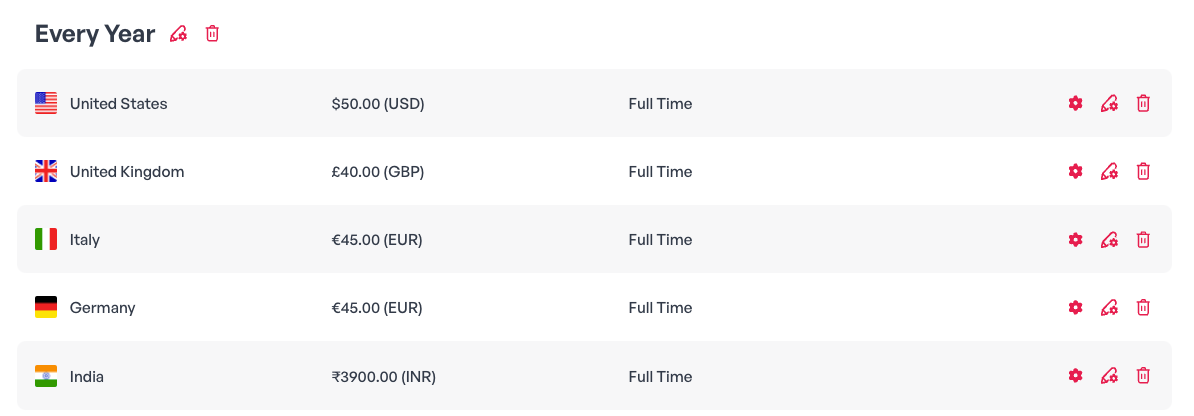
Every year | The same gift will be sent to the employees every year. |
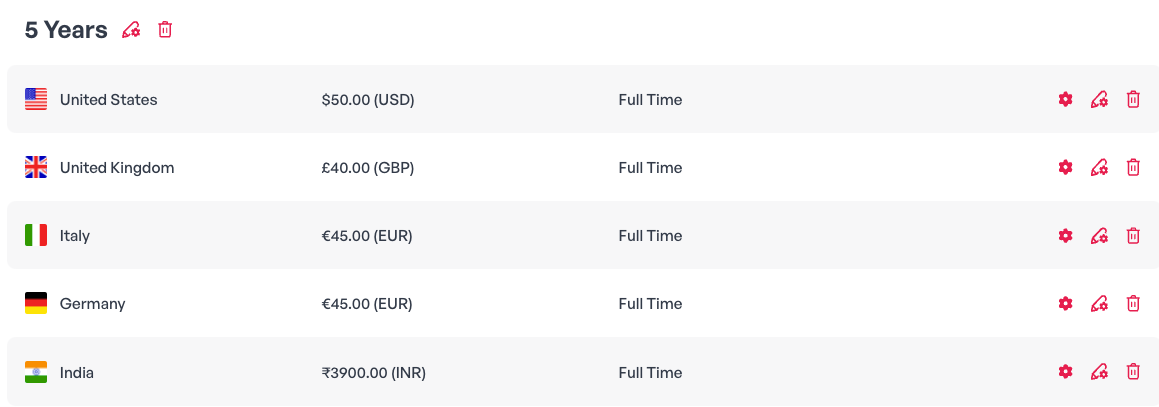
Years | The gift will be sent to the employees on a specific work anniversary. For example - If you're choosing "5" - the gift will be sent on the fifth work anniversary. |
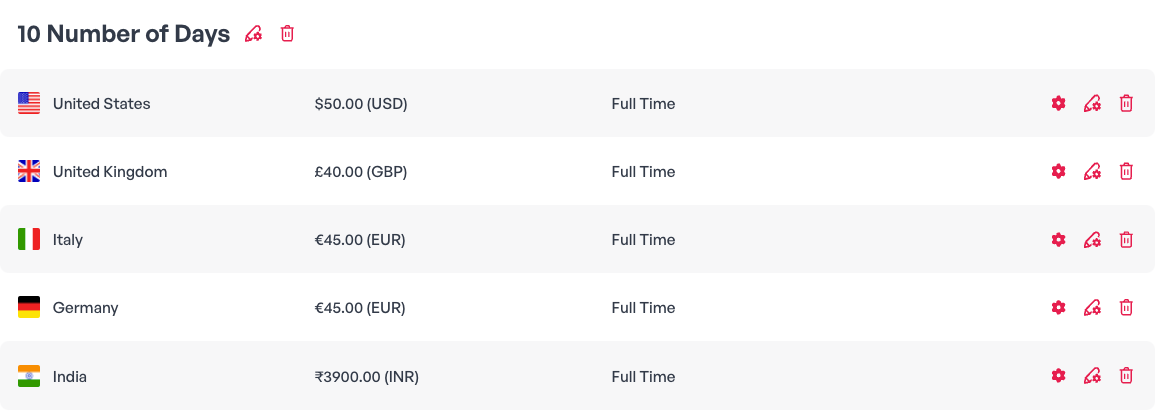
Number of days | Send the gift after X days from the employee's start date. |
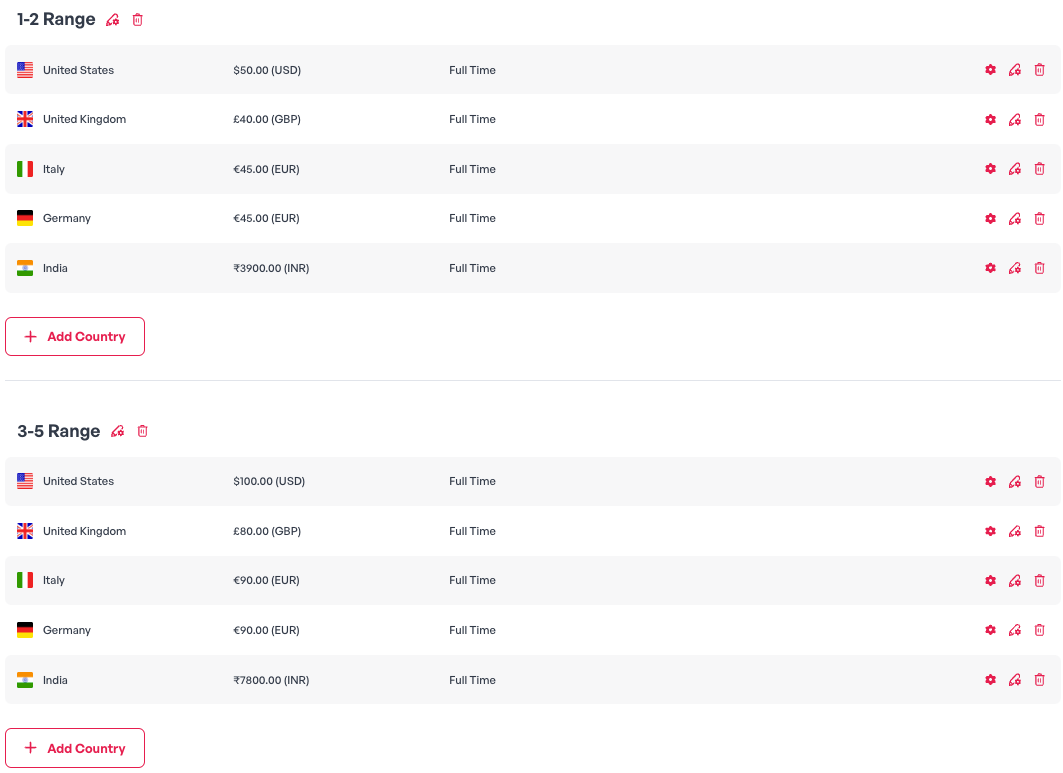
Range | Send the same gift every year from year X to year Y. |
Every Year:
Years:
Number of Days:
Range:
Step-by-Step Instructions
In the left menu, click Campaigns, then Add campaign, and under Work Anniversary, click Select.
On the Send Date tab, set the Start Date and Send Time, then click Next.
On the Design tab, choose a design and click Next.
On the Greeting tab, set the Sender's Name, Email Subject, Email Greeting, and Text Greeting, then click Next.
On the Interval tab, click Add Interval, choose an interval type, enter its values, and click Save.
Click Add Country, set each country's Gift Value and Employment type, and click Save.
Click Summary, check the gift with Preview Gift, and click Looks good! to launch.
Note: Local currency amounts are calculated on the day each gift is sent.